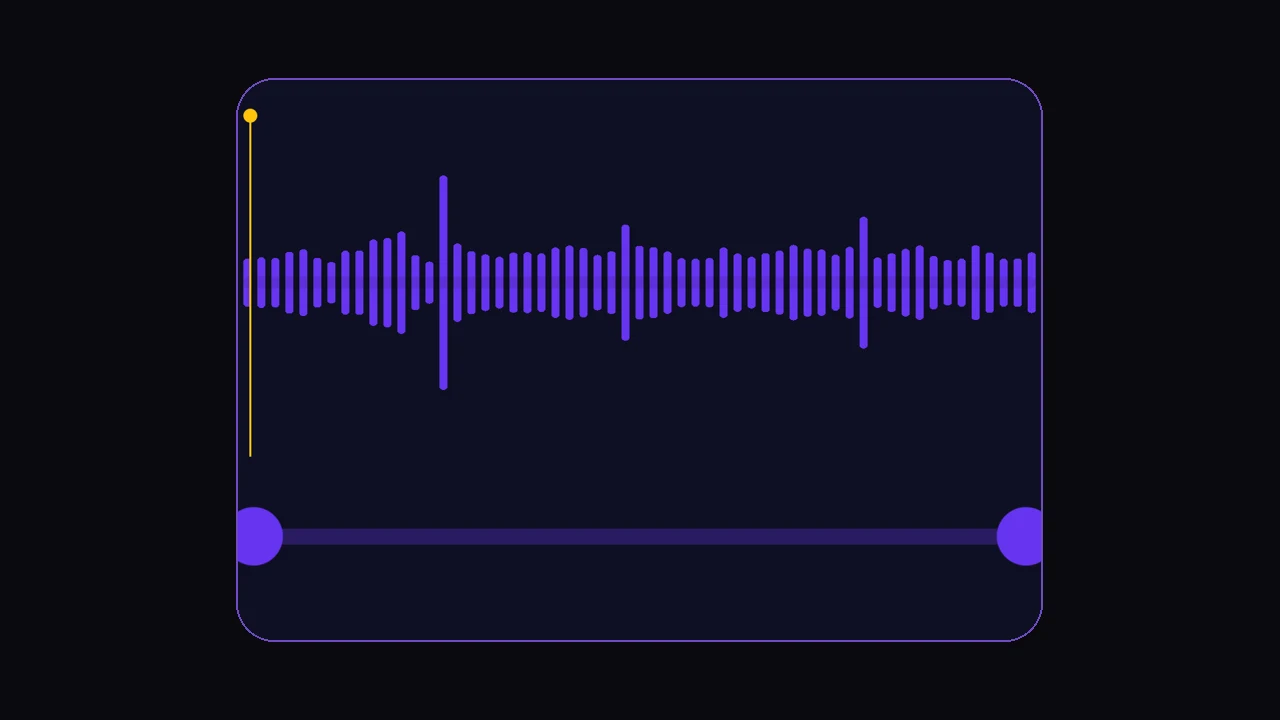
To clone a voice with AI, you need a clean sample of speech, a model that can learn that voice, and a text-to-speech step that speaks new lines in the same identity. In Echo on iOS or Android, the practical path is short and fixed. Download at get.echofx.ai.
This is the how-to companion to our deeper overview of how voice cloning works. Here we stay operational: what to record, how long it must be, file size caps, text limits, and when not to bother.
Key takeaways
- Custom clone flowRecord, upload, video, or Share Extension → waveform trim → name → up to 240 characters of text → generate speech.
- Hard limits in EchoAt least 5 seconds of selected audio; max 10 MB per cloning upload; 240 characters per spoken line.
- Quality is the sampleQuiet room, single speaker, no music bed, no heavy reverb — more than “perfect wording.”
- Two product pathsClone a voice you provide, or speak with a prebuilt famous / voice-over library voice (same text cap).
- Cost modelGenerations spend credits from your wallet. Free users may see a first-generation paywall shortly after the first success.
What you need before you start
You do not need a studio. You do need controllable audio and clear permission.
- Echo installed on your phone (iOS or Android). Get it at get.echofx.ai — one link for both stores.
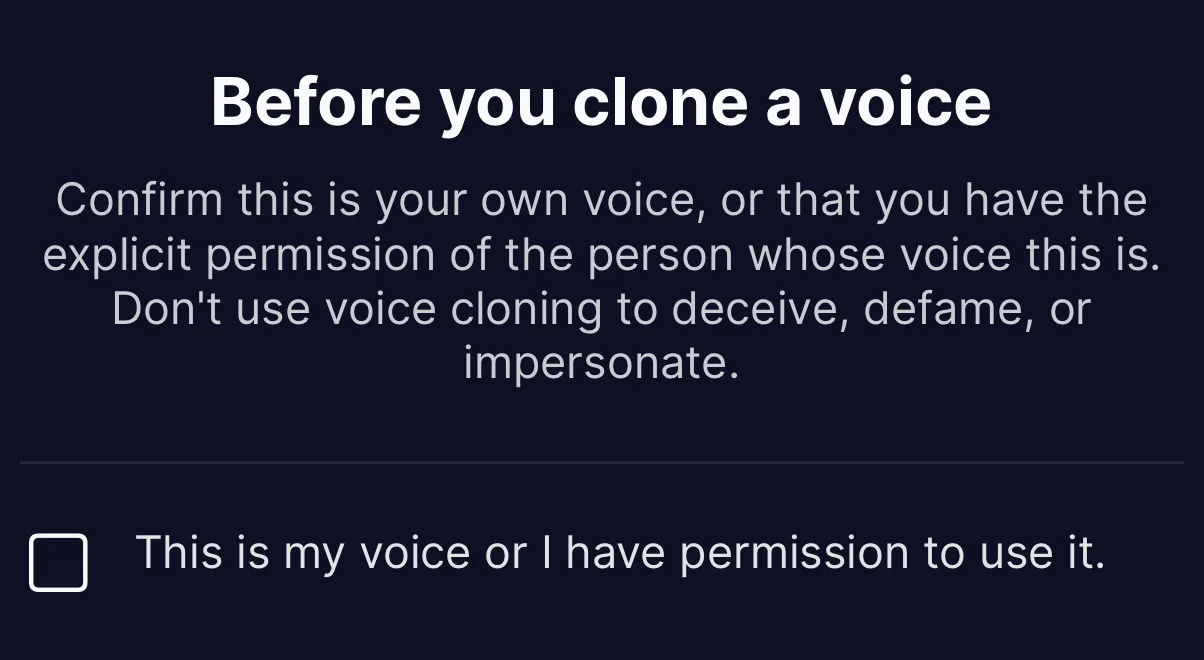
- Permission to use the voice you are cloning. No consent = hard stop ethically and legally.
- A quiet space, or an existing clean recording (or a video you can pull speech from).
- Enough credits for a generation, or a subscription / pack that tops them up. Exact amounts are live-configured in-app — trust the wallet, not blog folklore.
How to clone a voice in Echo
Echo’s custom voice cloning follows a fixed pipeline. Do not skip trim: noisy heads and tails wreck clones more often than “bad models” do.
Capture the source audio
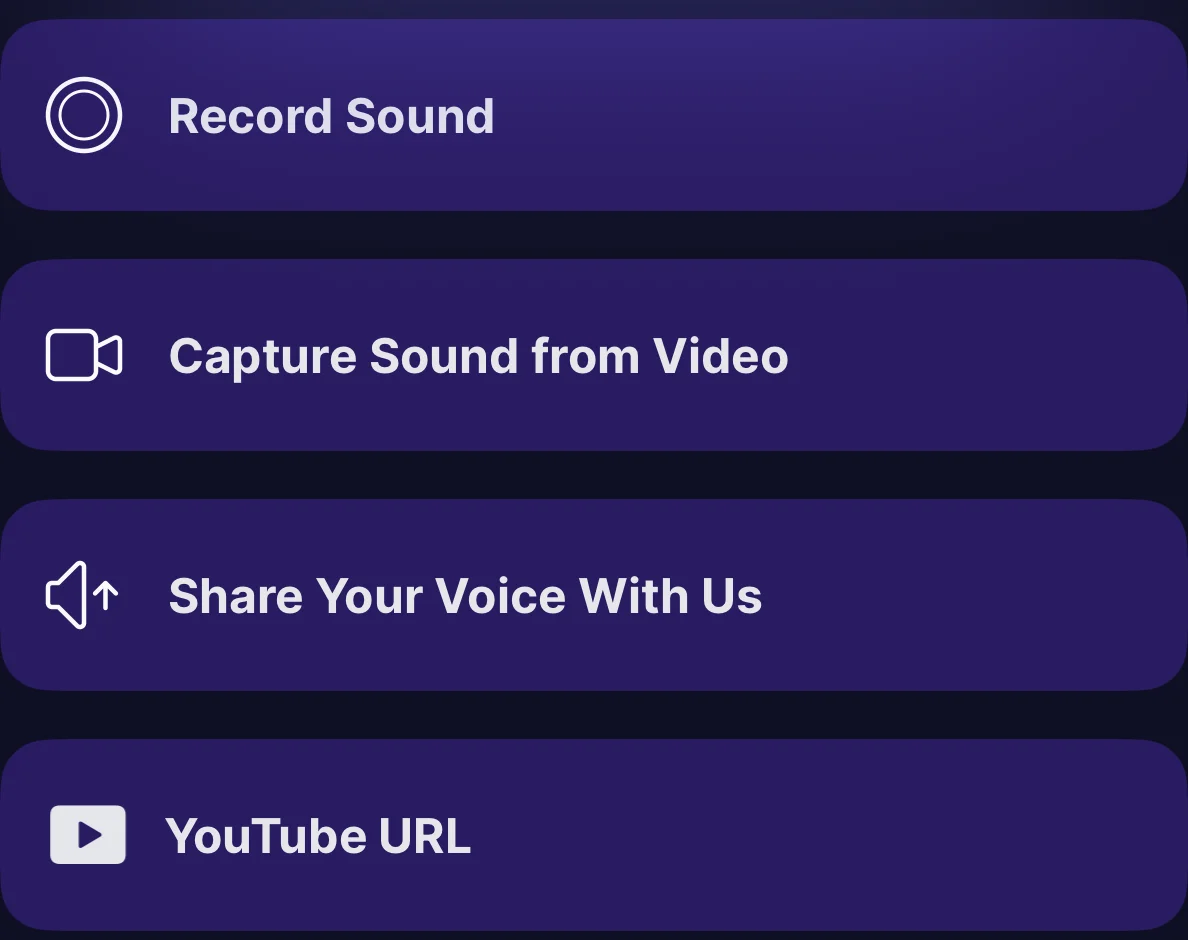
Open Add Voice from the tab bar and pick an input method — the four options as they appear in the app:
- Record Sound — record live with the microphone.
- Capture Sound from Video — pull the speech out of a clip you have.
- Share Your Voice With Us — send audio in from another app (Files, Voice Memos, camera roll). Deep link form:
echoapp://open?page=voiceCloning&audio=…(or video). - YouTube URL — capture speech from a video link.
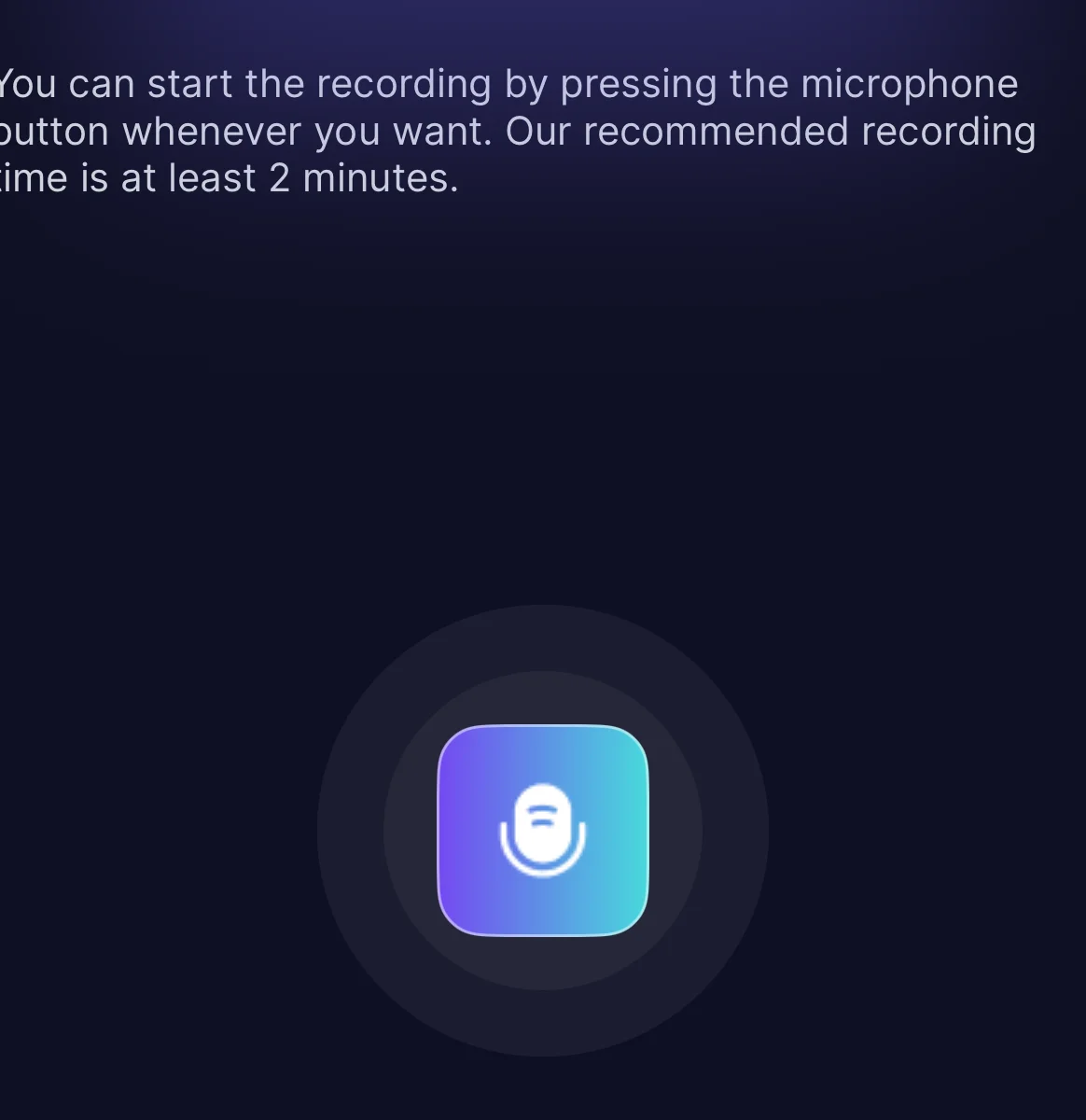
For a first clone, record yourself reading two short paragraphs of normal speech — the recorder recommends 2+ minutes of continuous talking, and more clean speech helps. Natural pacing beats a flat monotone. Avoid whispering and avoid shouting.
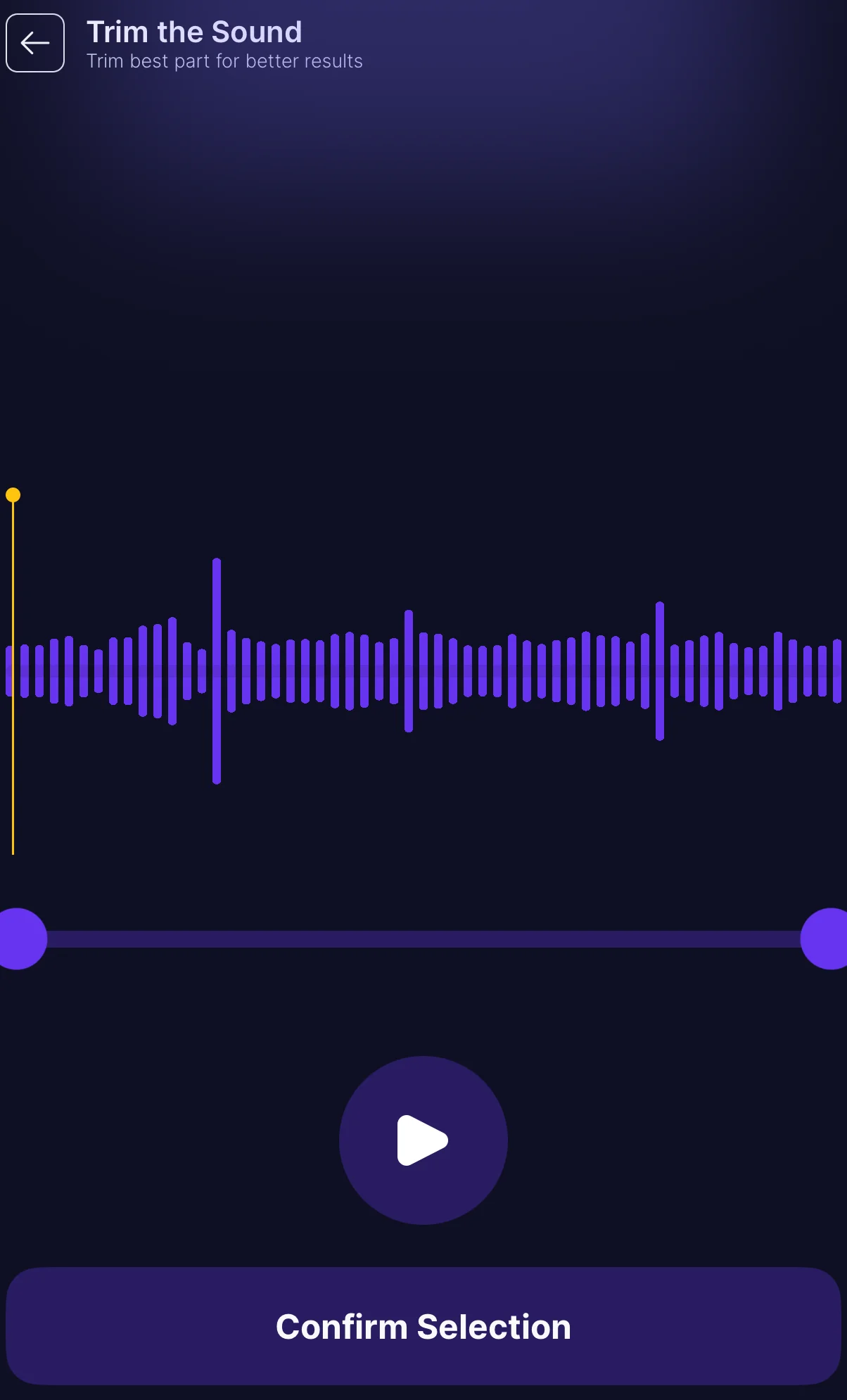
Trim with the waveform
Echo’s trim UI uses start/end markers on a waveform. Keep only clear speech.
- Minimum length: 5 seconds for the selected range.
- Maximum upload size: 10 MB for cloning (voice isolator allows 30 MB for longer mixed tracks).
- Cut silence, music intros, other speakers, and phone notifications.
If the file is too large, export a shorter clip before re-importing. Prefer a shorter clean take over a crushed long one.
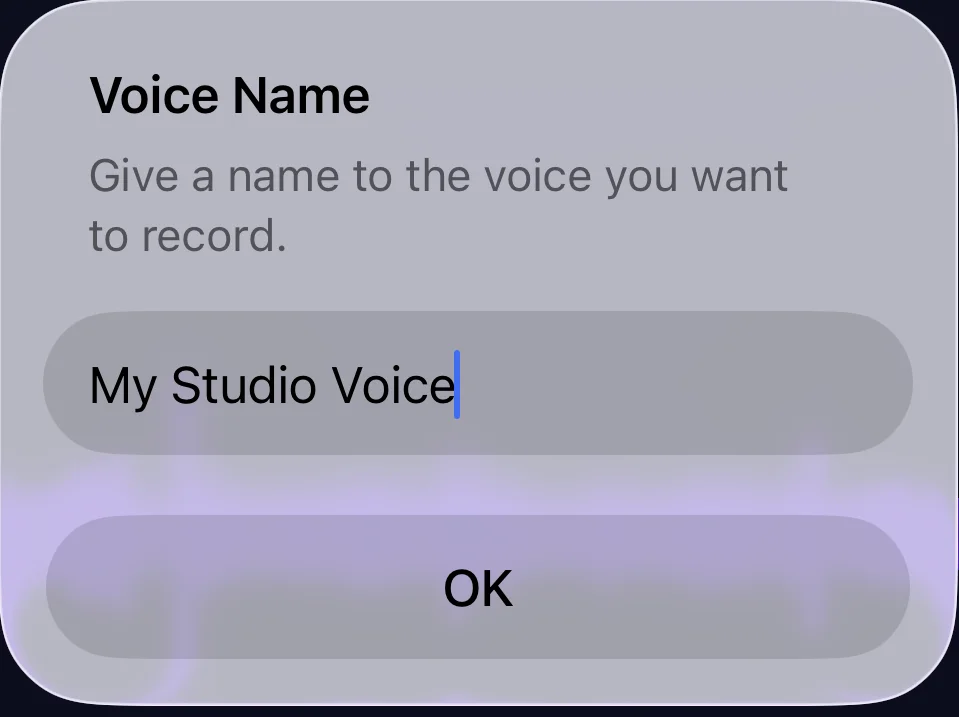
Name the voice
Use a name you’ll recognize later (“Me — quiet desk,” “Podcast host,” not “Voice 3”). Metadata stays with the creation so you can re-generate lines without re-recording.
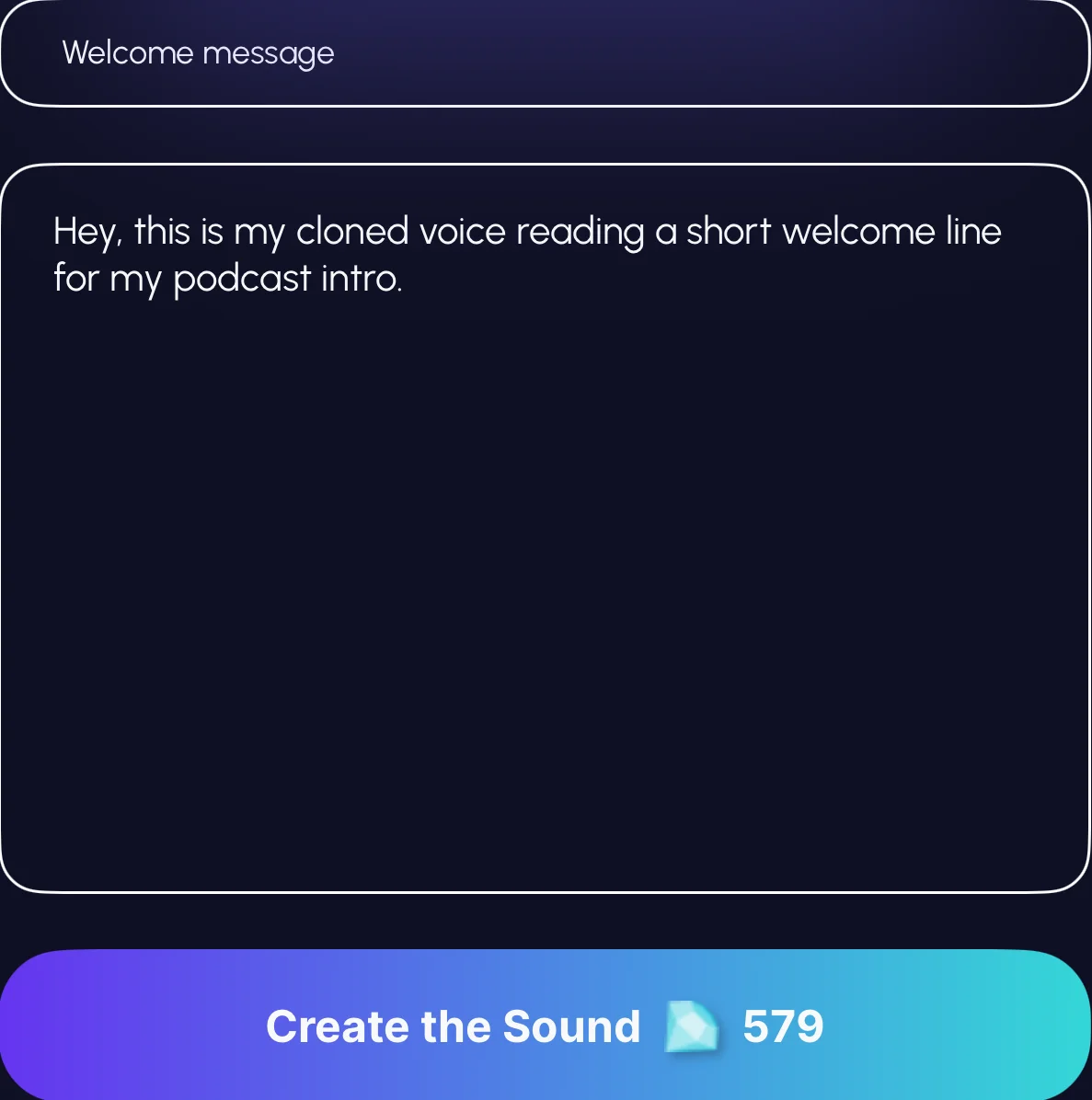
Enter the text to speak
Custom voice speech synthesis accepts up to 240 characters per generation — enough for a voice note, ad line, or caption, not a chapter.
Write for the ear: short sentences, natural punctuation, no ALL CAPS spam. Split longer scripts into multiple takes and stitch in an editor if needed.
Generate, play, and save
Generate speech, then play it in Echo’s shared player (seek, skip, lock-screen controls). From Library you can play, rename, delete, or re-generate with the same voice.
Audio is stored with your account; manage custom voices from the Voices section of Library.
Recording checklist for better clones
Desktop clone guides often push multi-minute datasets. On a phone, smaller clean samples win if they are honest speech.
| Do | Do not | Why it matters |
|---|---|---|
| One speaker, steady mic distance | Group chatter or TV in the background | The model treats the whole spectrum as “the voice.” |
| Natural pitch range (question + statement) | A forced accent you never use | You generate speech in the style of the sample. |
| Dry room, phone 20–30 cm away | Bathroom reverb or outdoor wind | Room noise becomes part of the clone identity. |
| Trim to ≥5 s of real speech | Pad with silence to “make it longer” | Empty audio wastes the minimum without adding identity. |
| Keep file under 10 MB | Full 4K videos with no speech trim | Cloning upload limit is 10 MB; extract audio first. |
Custom clone vs famous voice library
Not every “clone a voice” job needs a personal sample.
| Path | Best for | Main limits |
|---|---|---|
| Custom voice cloning | Your voice, a consenting collaborator, a brand narrator you control | Need a sample; 5 s min; 10 MB max; 240-char lines |
| Famous / voice-over library | Quick demos and catalog styles already in the app | No personal sample; 240-char lines; ads may show for free users; catalog can vary by country |
Famous voices still use the same style of generation pipeline and the same text cap. They do not replace consent rules: do not use any AI voice to impersonate someone for fraud or deception.
Credits and free-user friction
Wallet truth
Echo uses subscriptions, credit packs, and (when enabled) ads. Voice generations spend credits. Balances and prices are live-configured — check the in-app wallet rather than assuming a fixed price from an older article.
Non-subscribers may hit a first-generation paywall after creating voice content (voice delay is short while audio can keep playing under a volume duck). Treat every generation as a paid-or-gated action unless your plan says otherwise.
Not for you
Skip this workflow if…
- You want to clone a voice without clear permission.
- You need long-form narration in one shot (240-character cap is intentional).
- Your only sample is a noisy concert, multi-speaker call, or heavy music bed — re-record or isolate first.
- You expect offline, on-device cloning with no network. Generations use the app’s cloud pipeline.
How Echo fits the job
Echo is one AI music and voice app on iOS and Android with the same product surface. Custom voice cloning sits beside famous voices, AI music, sound effects, and vocal isolation. Download at get.echofx.ai. For short spoken lines, the path is: capture → trim within limits → speak up to 240 characters → manage results in Library.
For ownership, commercial reuse, and platform rules, read the live Terms of Service. Behavior here tracks Echo’s feature reference — not marketing wish lists.
Clone a voice with Echo
Download Echo, record a clean 5+ second sample, and generate your first line of speech.
Download EchoFAQ
How long does a voice sample need to be?
The waveform trimmer enforces a 5-second minimum for the selected clip. Clean seconds beat noisy minutes.
What file size limit applies when cloning a voice?
Cloning uploads are capped at 10 MB. Extract audio from video first when needed. Voice isolator allows up to 30 MB for longer mixed files — different feature.
How much text can the cloned voice speak at once?
Custom and famous voice text fields accept up to 240 characters per generation. Split longer scripts into multiple takes.
Can I import audio from another app?
Yes. Use Echo’s Share Extension for audio or video, or open cloning with the share deep link. Share launches can skip onboarding.
Is this the same as an AI voice changer?
Related but not identical. Cloning builds a reusable voice identity from a sample, then speaks new text. Effects transform audio from a prompt — see the AI voice changer guide.